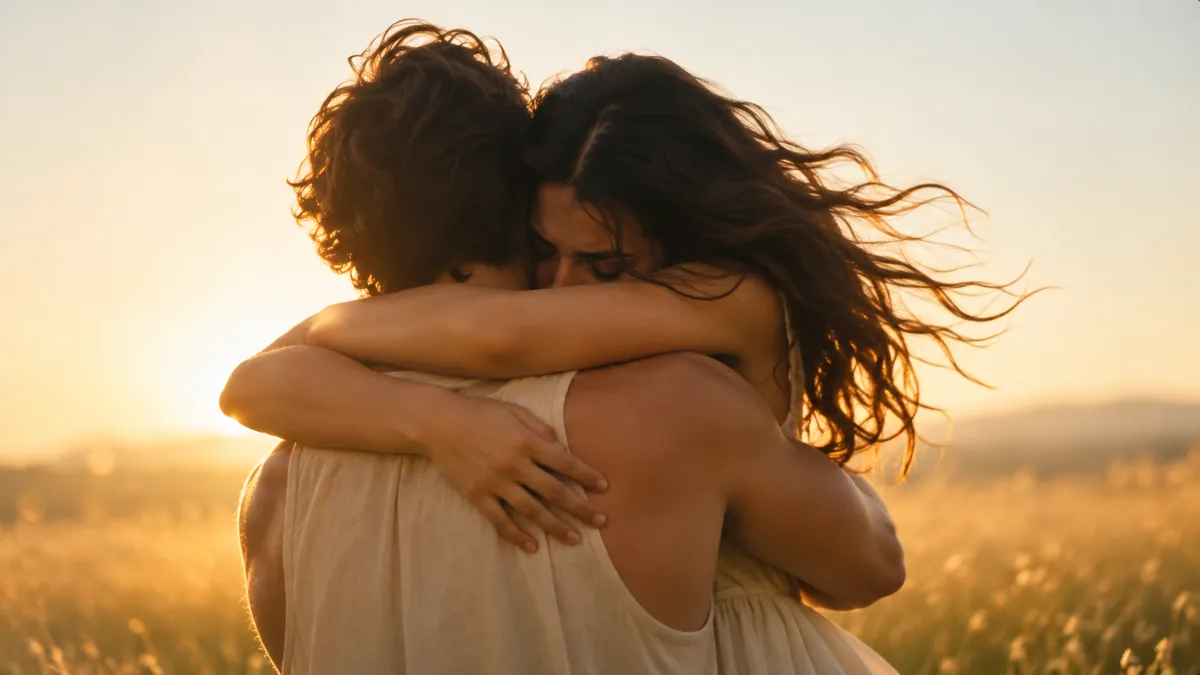
Zombie Hug · PRACTICAL GUIDE
Zombie Hug: Create Your Story or Motion Transfer?
Choose between an editable Zombie Hug preset and the motion of an actual reference video.
Both modes belong to Zombie Hug, but they get their action from different places. Knowing that difference makes photo assignment, scenery and duration easier to understand.
Create Your Story follows the keyword prompt
Start with the prefilled Zombie Hug prompt and edit the story if you wish. The preset describes fear, recognition of the pendant, softening emotion and a final gentle embrace. Your edits replace that narrative. Upload both required portraits, check their named assignments and choose an output; Reset prompt restores the original preset.
No reference video or original soundtrack is supplied in this mode. The portraits provide identity rather than choreography or first and last frames. Other keywords belong to their own templates, so the page does not ask you to select an unrelated hug story or arbitrary action.
Motion Transfer follows source roles
A configured reference video supplies motion, timing and camera. Click the corresponding person in the reference layout and choose the portrait that should replace that identity. Each replacement follows its bound role’s actions rather than the independent custom-generation sequence.
Only uploaded roles change. An empty role keeps the original reference person, including when that person appears across several shots. One selected portrait must not silently become a different character simply because another role was left empty. Check every selected marker before confirming.
Change the place without choosing another action
Motion Transfer can keep the reference setting, describe a new environment or use a background image when those options are enabled. The three choices use independent environment prompts while preserving the same corresponding reference-role actions and identity assignments.
Choose surroundings that plausibly fit the movement, camera height and space between people. Occupants visible in a background photograph are not automatically added to the cast. When reusing a portrait’s surroundings, identity and environment remain separately bound purposes of that reference.
Review the actual reference
The published owner-provided reference lasts about 19.71 seconds and includes two stable characters across close-ups, emotional gestures and memory shots. Its action-replacement model output is configured for 20 seconds. Watch the actual clip and role frames before assigning portraits; the same identity must remain attached across cuts.
Create Your Story remains a separate configured photo workflow. Read each mode’s price and duration rather than assuming they are shared. Neither a valid configuration nor a completed task guarantees exact faces, gesture quality or audio; review the result before deciding to publish it.