THE AFTER-HOURS EDIT
Hotel Lobby AIYour photos. This video.
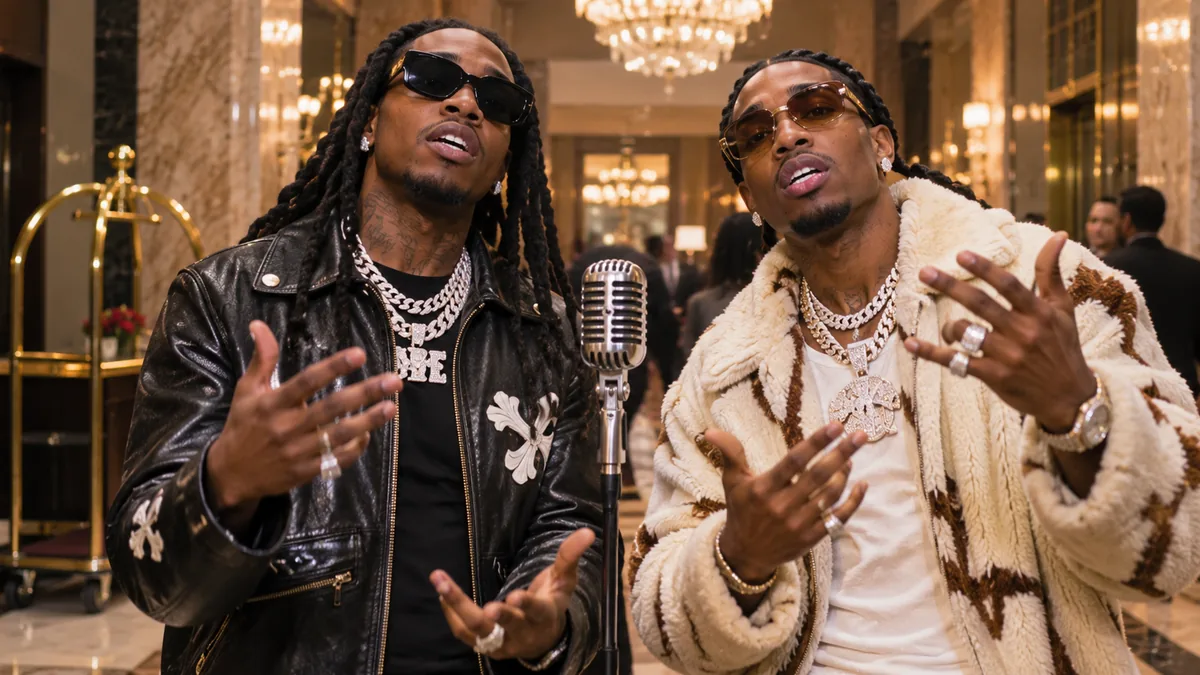
Upload your photos together and direct your own Hotel Lobby AI story with an editable prompt. Or use Motion Transfer to bind photos to the reference roles.
Example videos
No example videos yet.
KNOW THE SCENE
Reference & examples
Reference video
Watch the movements and camera framing used in Motion Transfer.
Example images & role frames
Template cover · Owner-provided artwork
FROM INPUT TO VIDEO
How to create your video
- 01
Add photos with the + button in the prompt box.
- 02
Edit the prompt to tell your story. Use Photo 1, Photo 2, and so on to assign people to roles.
- 03
Choose a format, resolution, and length, then review the credit cost.
A SCENE WITH YOUR SIGNATURE
The lobby is only the beginning.
Think dramatic light, a confident duo and a camera-ready setting. Your reference guides the performance; your choice of scenery gives the scene a different point of view.
START WITH A LITTLE INSPIRATION
A few ways to make it yours.
The signature duo
Keep two distinct identities at the heart of the scene.
After-dark atmosphere
Choose your own lighting and setting with a written direction.
Beyond the lobby
Try a gallery, a rooftop or a background photo you own.
PRACTICAL READING
Guides for Hotel Lobby AI
Hotel Lobby AI: assigning one or two people to the right roles
Use the Hotel Lobby reference frame to match each portrait to the intended person and keep unused roles original.
Read guide ↗Choosing a Hotel Lobby AI background: photo or written scene
Plan a lobby setting with compatible perspective, lighting and room for the reference movement.
Read guide ↗Preparing portraits for a two-person Hotel Lobby AI video
Choose readable portraits, avoid identity ambiguity and review the two-person result before publishing.
Read guide ↗YOUR CREATIVE COLLECTION
Your recent videos
Your next story belongs here.
Finished videos and rendering progress appear here when you create. You can also find them in your account.
GOOD TO KNOW
A little clarity
before you create.
Questions about Hotel Lobby AI
How are the two generation modes different?
Create Your Story accepts up to 10 reference photos through one multi-file uploader, matching the current model limit across all templates. A batch that would exceed 10 is refused in full while your existing photos stay unchanged. At capacity, remove a photo before adding more. Older oversized drafts are retained for recovery and must be reduced before generation; no photos are silently discarded. Motion Transfer keeps its separate reference-role workflow.
Can I change the scene during Motion Transfer?
Yes. Keep the reference setting, describe another place or upload a background image when the template enables those options. The selected environment prompt changes the setting while the corresponding reference role actions remain the guide.
Why do I need to assign photos to named people?
Each photo supplies one identity. In Create Your Story, upload every required person. In Motion Transfer, only uploaded roles are replaced; blank roles keep the original reference person. Background images never automatically add people.
Is this a real recording?
No. Results are AI-generated and can vary. Use authorized photos of consenting adults and label shared videos as synthetic. New accounts start with 0 credits; no free trial is provided.
Can I use a different setting?
In Create Your Story, describe the setting you want in the prompt.
In Motion Transfer, you can keep the original setting or describe a new setting or add a background photo.
Is this a real recording?
No. These are synthetic creative videos. Use photos and reference materials you have permission to use, get consent from everyone depicted, and label the result as AI-generated when sharing.
A DIFFERENT IDEA IN MIND?
There's another scene for that.
Explore the template library ↗Independent creative tools. No affiliation with the artists, programs or venues suggested by template names.